 allsort
Sorted the moment you save.
Drop a link in and Allsort fills in the title, finds a cover and suggests a category from your words. Pick a folder too, or change anything before you hit save.
Reels, posts and links from anywhere, kept in one calm place and filed by category, so the recipe, the trip and the ten-minute stretch are there when you want them.
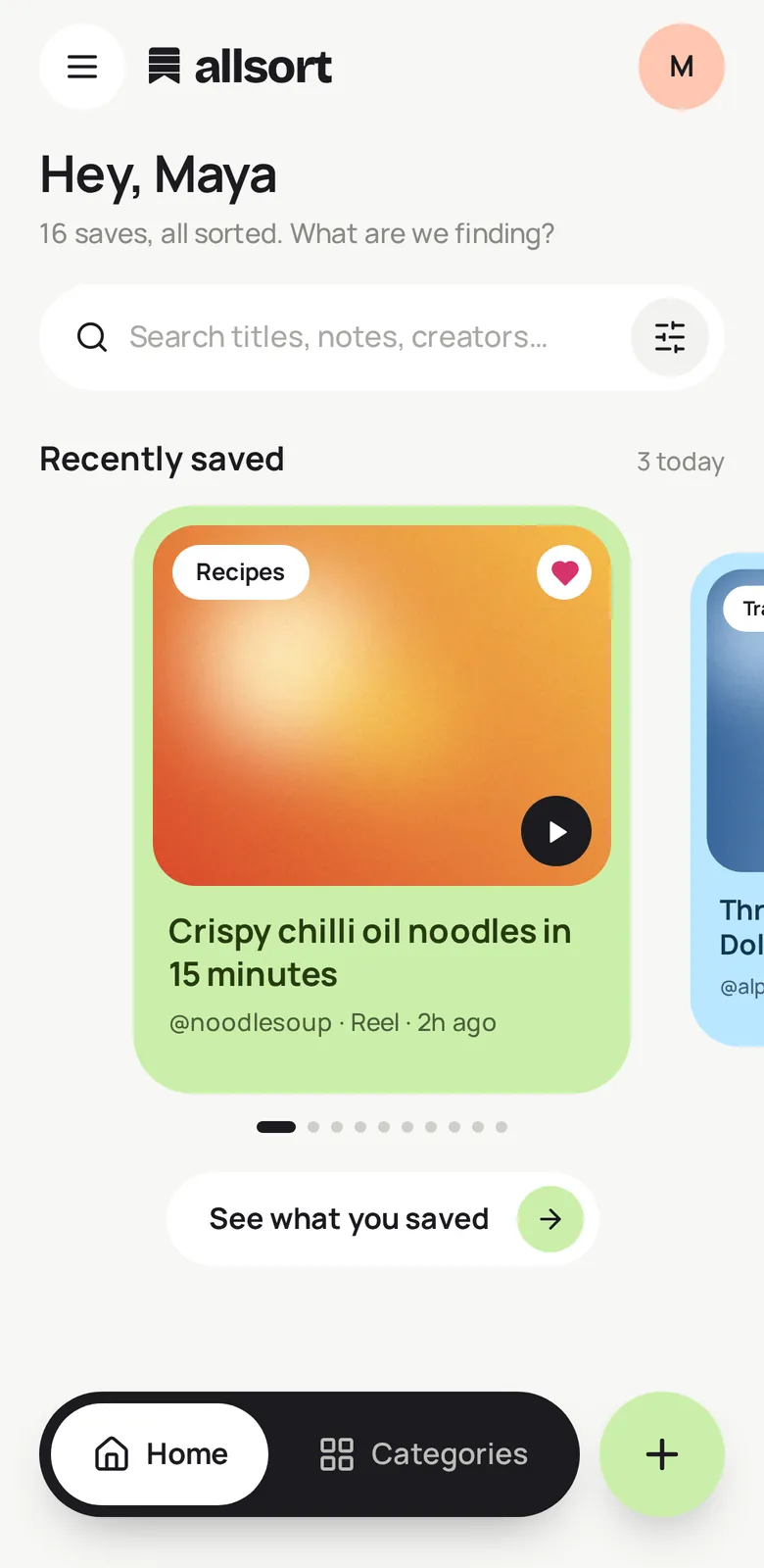
Save from the apps you already scroll
No folders to set up first, no copy-pasting into notes you’ll never reopen.
Tap Share in Instagram, TikTok, YouTube, Pinterest or your browser and pick Allsort. Or just paste a link.
Allsort suggests a category from the title, link and your note, and brings along a cover image when the page shares one.
Search titles, creators and your own notes, then narrow it down by type, date or creator. Your favorites are a heart away.
Real screens from Allsort for Android, filled with a sample library.
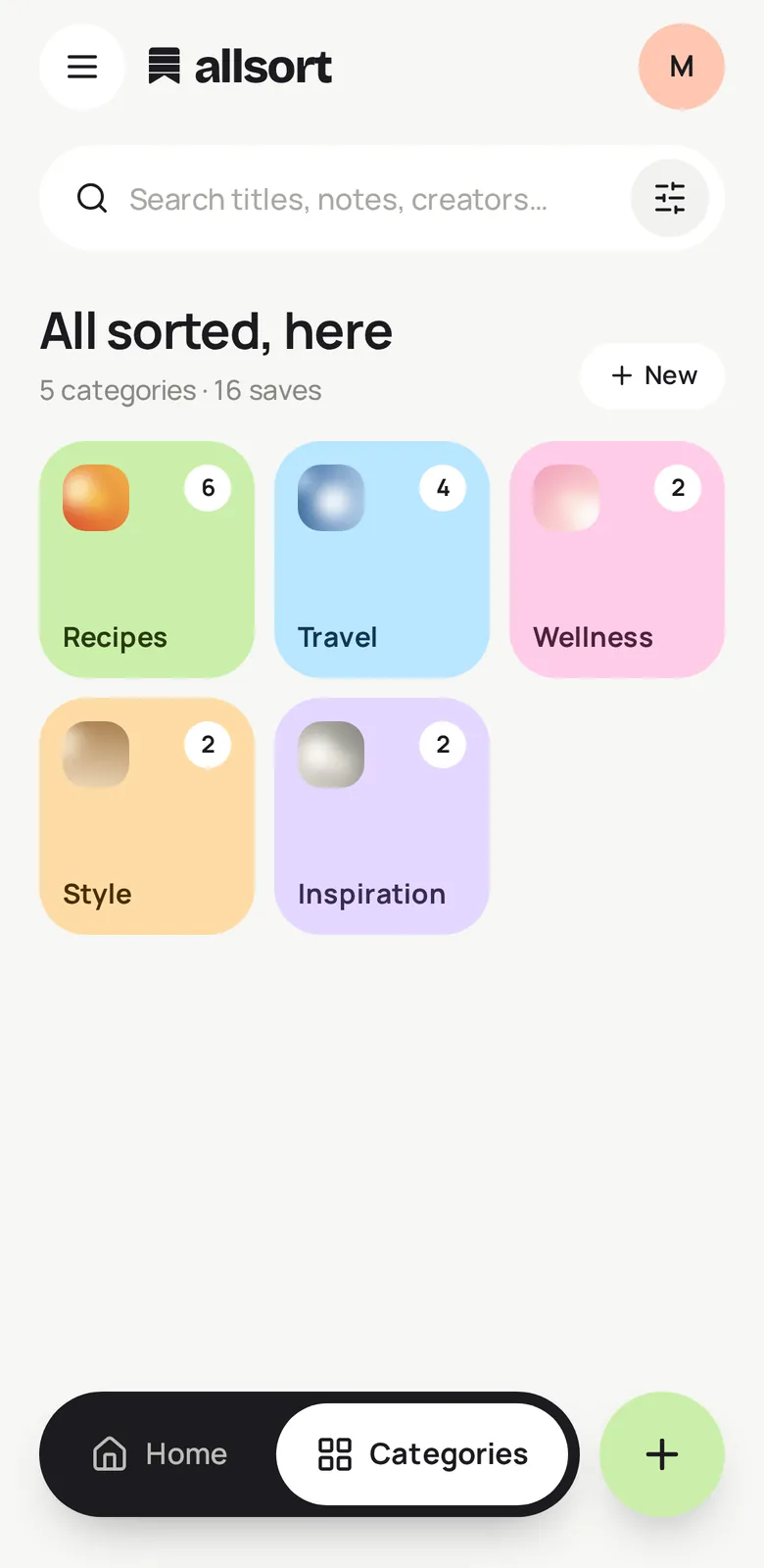
Every category is a tile, showing what’s inside.
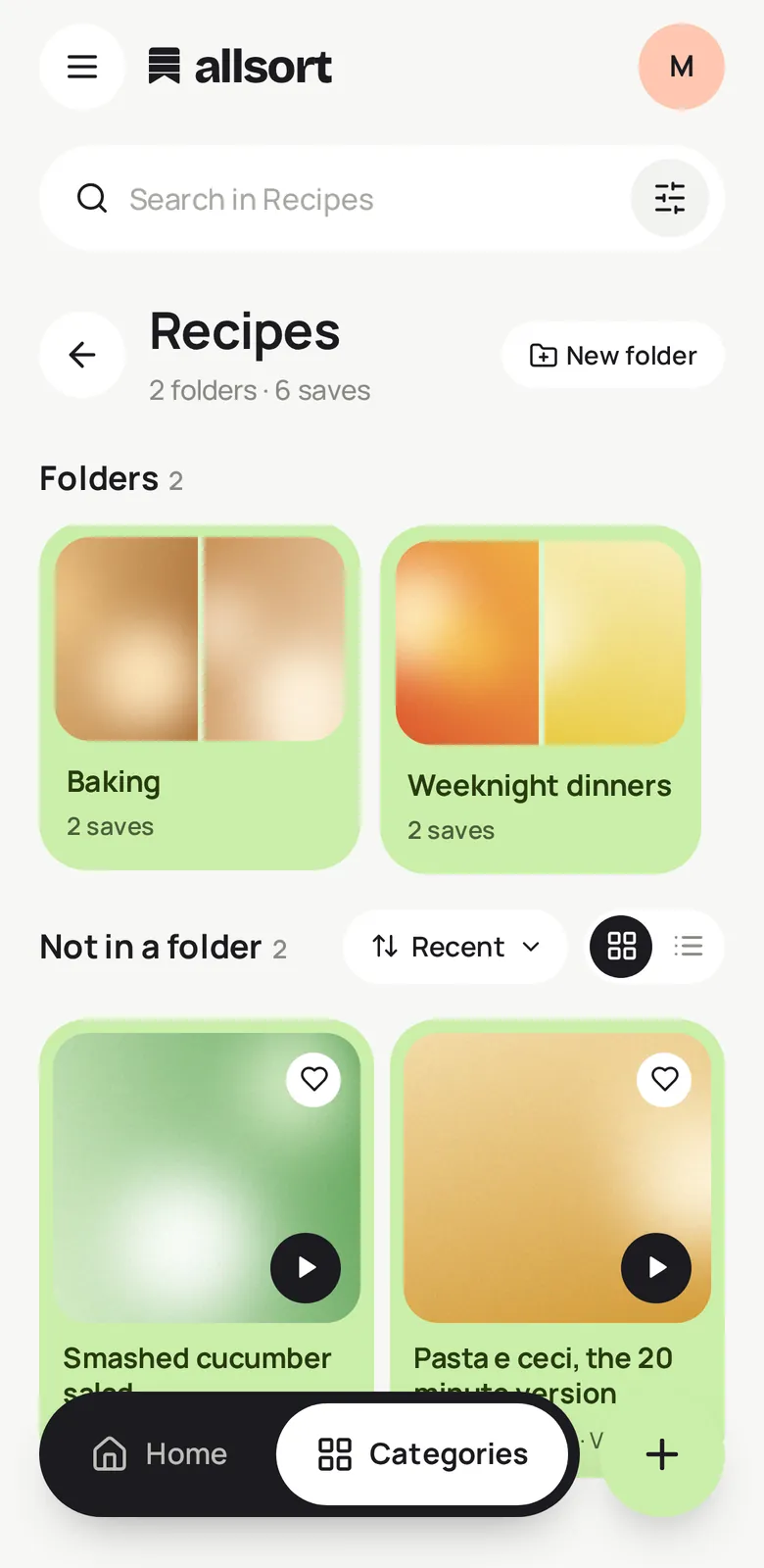
Split a busy category into folders like Weeknight dinners and Baking.
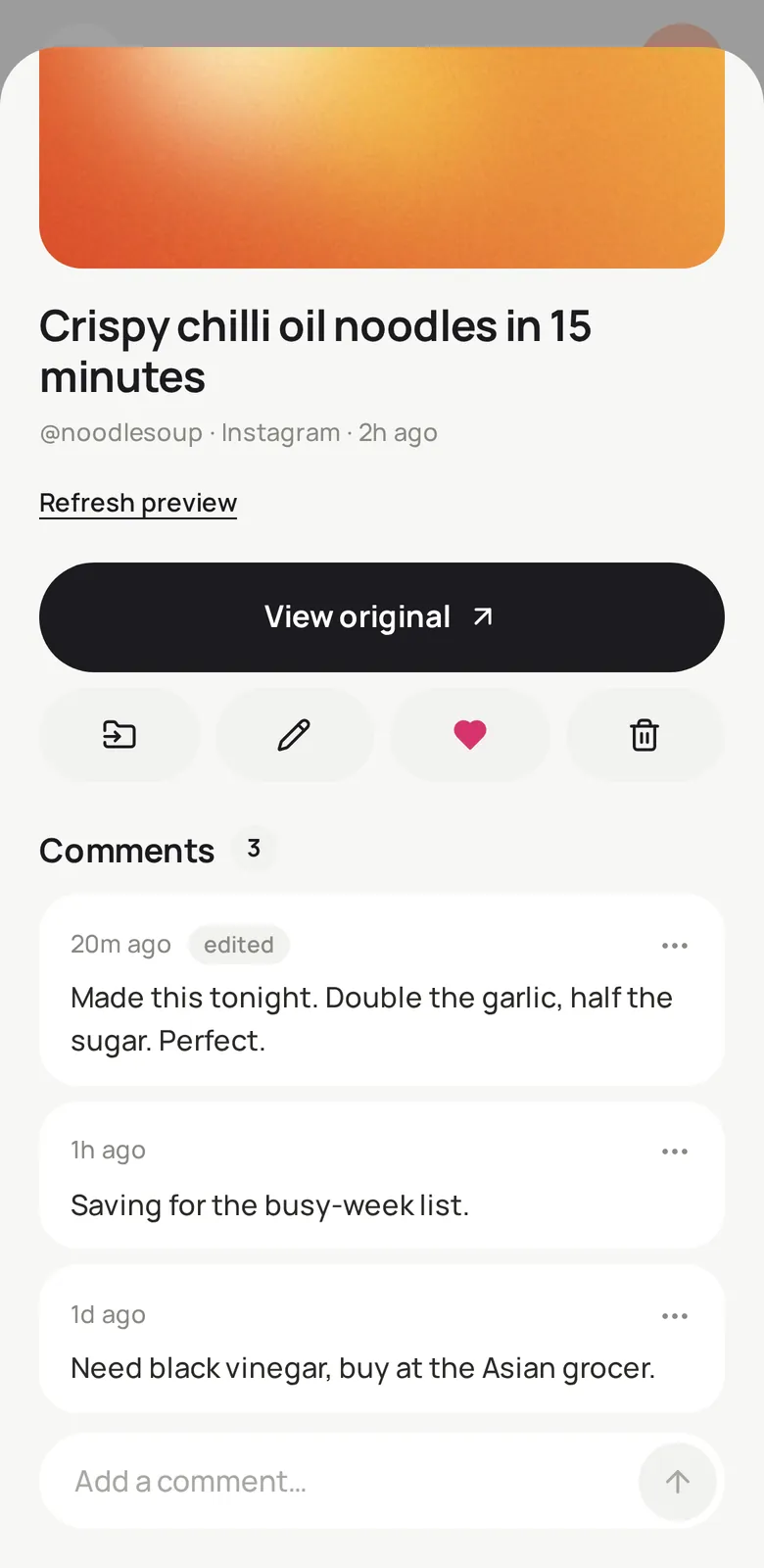
A dated log of what you tried and how it went.
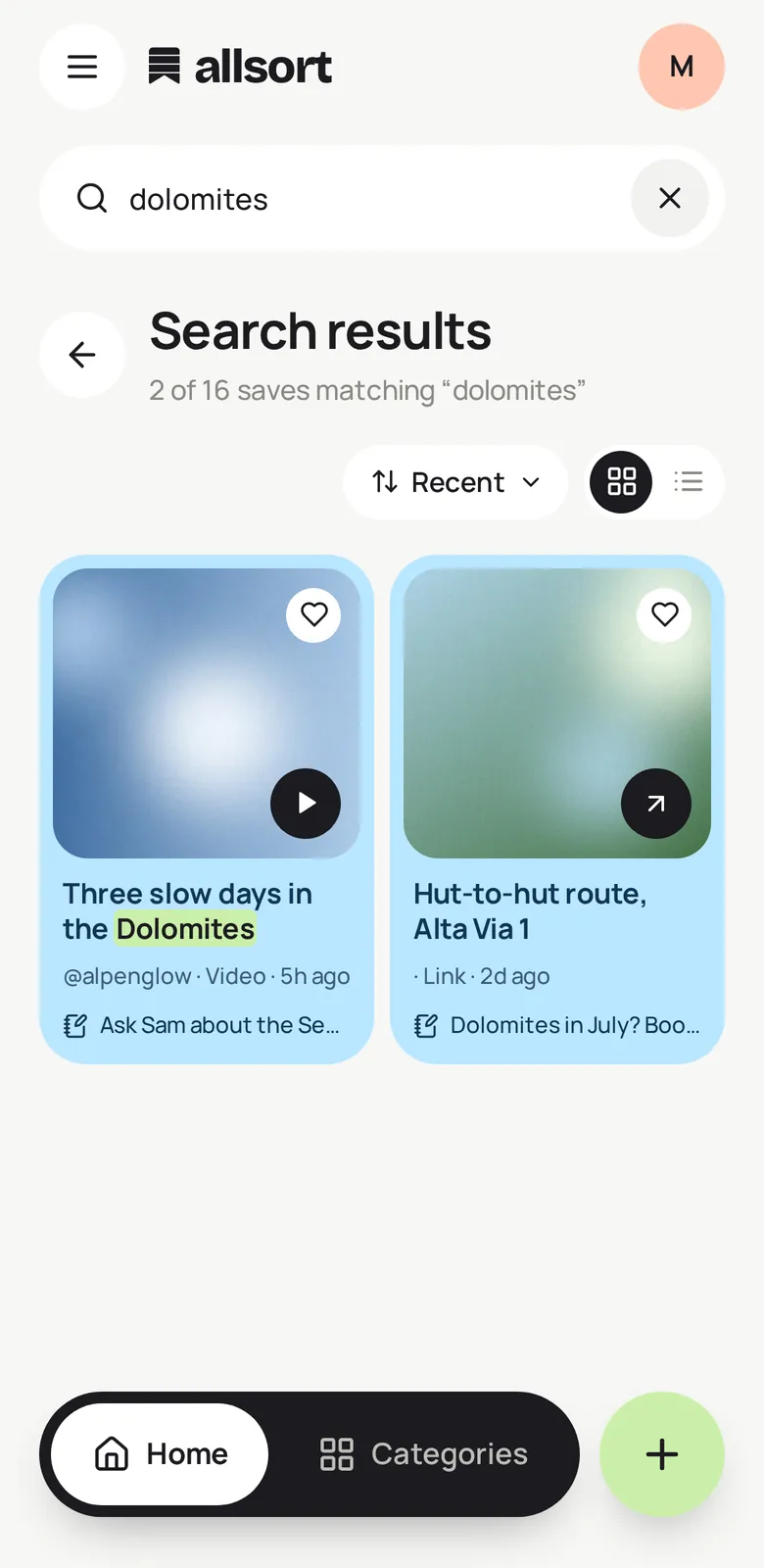
Matches are highlighted and the best ones come first.
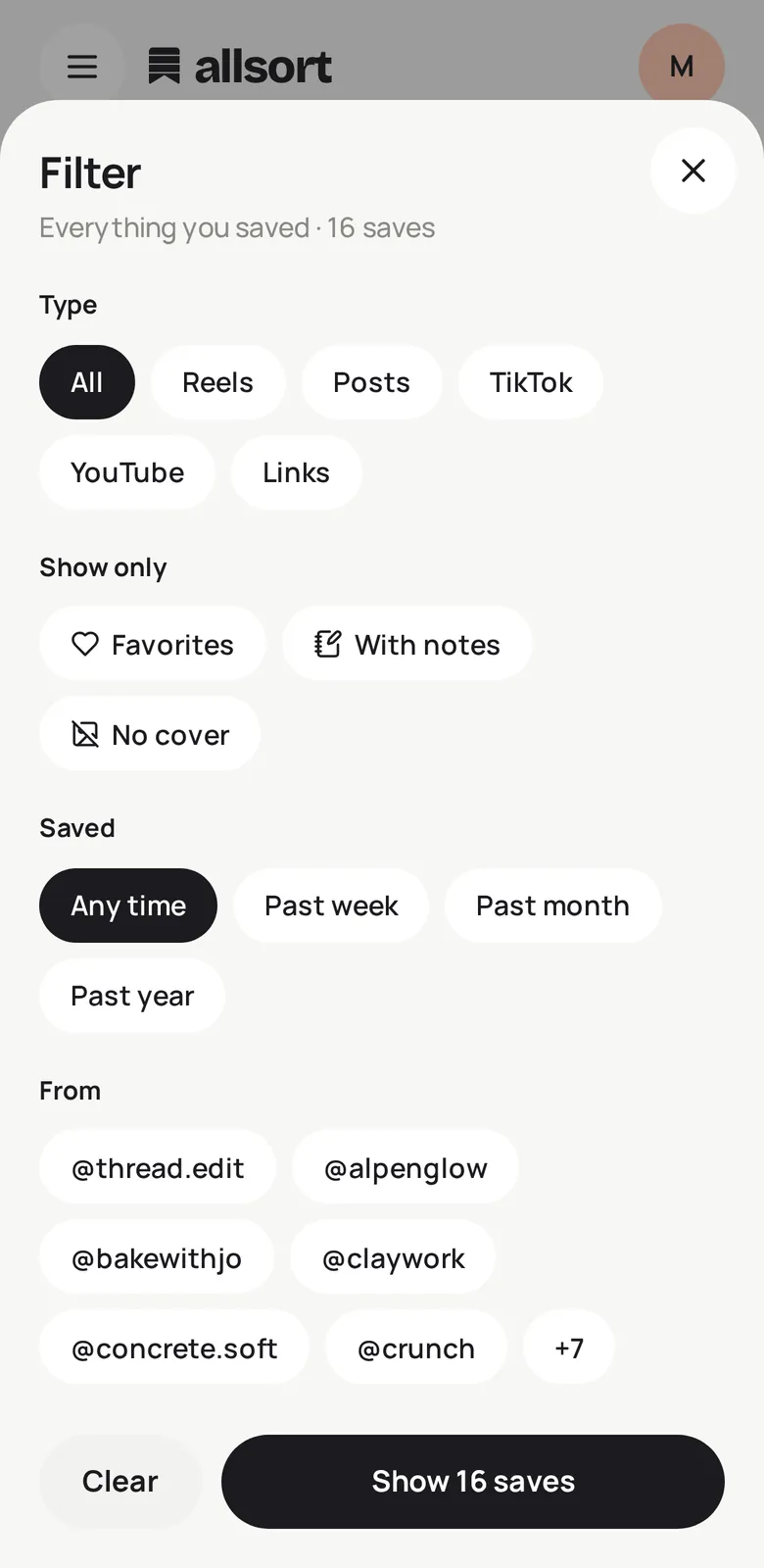
By type, favorites, notes, date saved or creator.
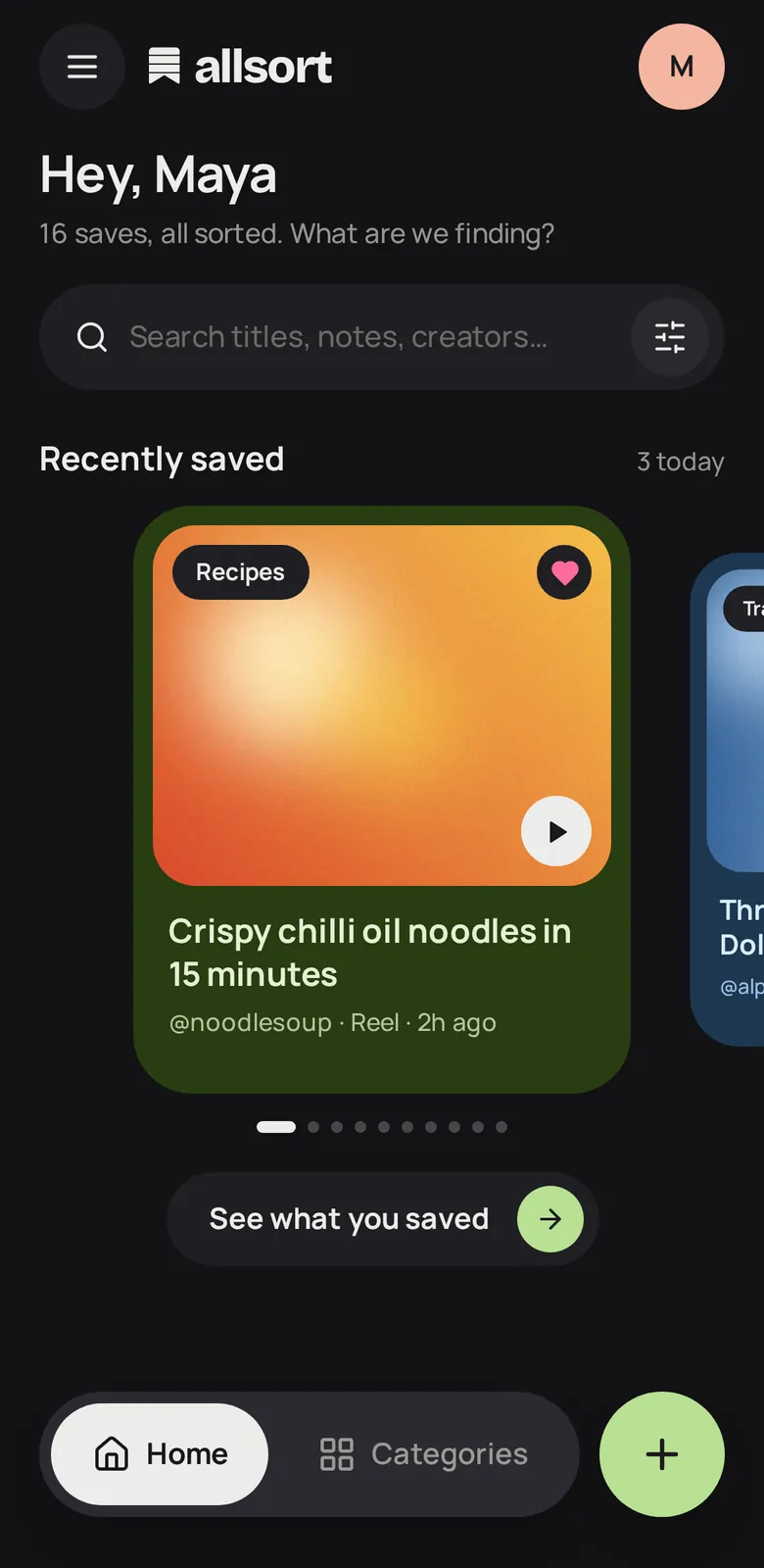
Follows your phone, or switch it from the menu.
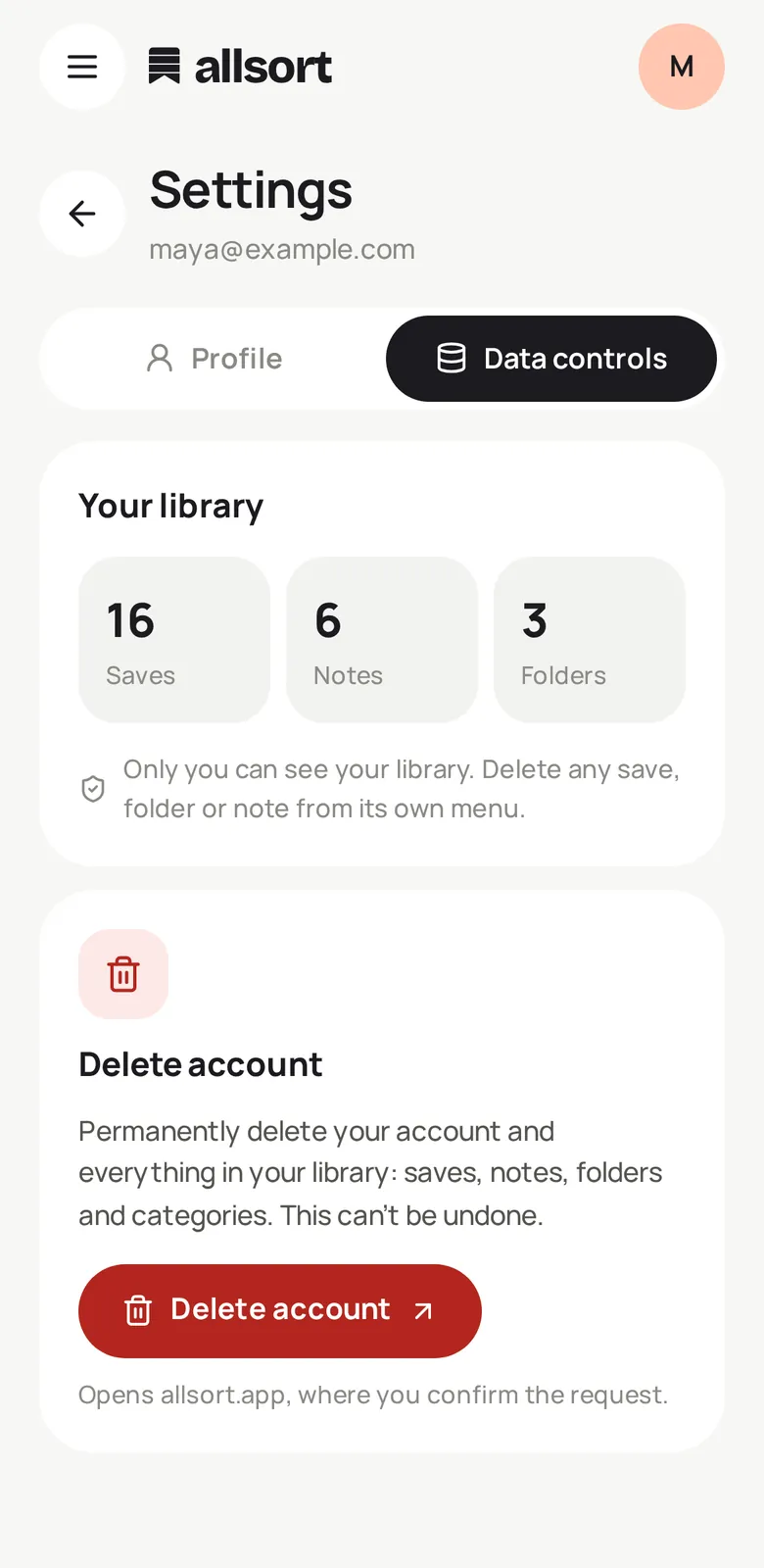
See what you’ve saved, or delete your account from the app.
Drop a link in and Allsort fills in the title, finds a cover and suggests a category from your words. Pick a folder too, or change anything before you hit save.
When a page shares a public preview, your save gets it automatically. YouTube links get the video’s thumbnail.
Every save keeps a dated log of comments. Why you saved it, what you tried, how it went.
Search titles, creators, categories, folders and your own notes. Accents and word order don’t matter, the best matches come first, and your words are highlighted. Then filter by type, favorites, notes, date saved or creator.
Start with Recipes, Travel, Style, Wellness and Inspiration, add your own, and split any of them into folders.
Newest, oldest, A–Z, by creator, favorites first or recently commented. Grid or list, remembered for next time.
Long-press to select several saves, then move, favorite or delete them all at once.
Heart the ones you keep coming back to and see them all in one place.
Allsort follows your phone’s theme, or you can switch it yourself from the menu.
Sign in with email or Google and your library follows you to every device you sign in on.
Your library opens as a wall of soft, colorful tiles, one per category, each showing what’s inside. Open one and folders keep it tidy: Weeknight dinners and Baking under Recipes, a trip under Travel.
Start your librarySign inAllsort is a personal place, not a social network. There’s nothing to follow, nothing public, and nothing about you for sale.
Read the privacy policyOnly your account can read or change your saves, enforced by the database itself, not just the app.
No advertising, no analytics SDKs and no selling or sharing your data with marketers.
Category suggestions are simple keyword rules that run in the app.
When Allsort looks up a cover, it asks for the public page like any visitor, never with your cookies or accounts.
Anything with a share button or a link. Instagram reels and posts, TikToks, YouTube videos and Shorts, Pinterest pins and ordinary web pages all work. On Android, Allsort shows up right in the share sheet.
No. Allsort keeps the link, a title, the creator if you add one, and a cover image when the page publishes one. The original stays where it lives, and “View original” takes you straight back to it.
Covers come from the public preview a page offers to everyone. Private posts, and some sites that block preview requests, don’t share one. Allsort never works around that. You can paste your own cover image URL instead, or keep the tidy placeholder.
No. Allsort suggests a category with simple keyword rules applied to the title, link and note you’ve written, right in the app. Nothing you save is sent to an AI model. You can change the category with one tap, and make your own.
Only you. Every save and comment is tied to your account, and the database itself refuses requests from anyone else. There are no public profiles, no feeds and no followers.
Yes, in your browser. The Allsort web app at live.allsort.app works on iPhone, iPad and any computer, with the same account and library as the Android app. There’s no iPhone app yet.
You can delete any save from its detail view, and its comments go with it. To delete your whole account and library, go to Settings → Data controls → Delete account in the app, or use the delete account page linked at the bottom of this site.
Allsort is on Android and the web. Sign up with email or Google and save your first link in under a minute.
Not on Android? Sign in on the web with the same account.